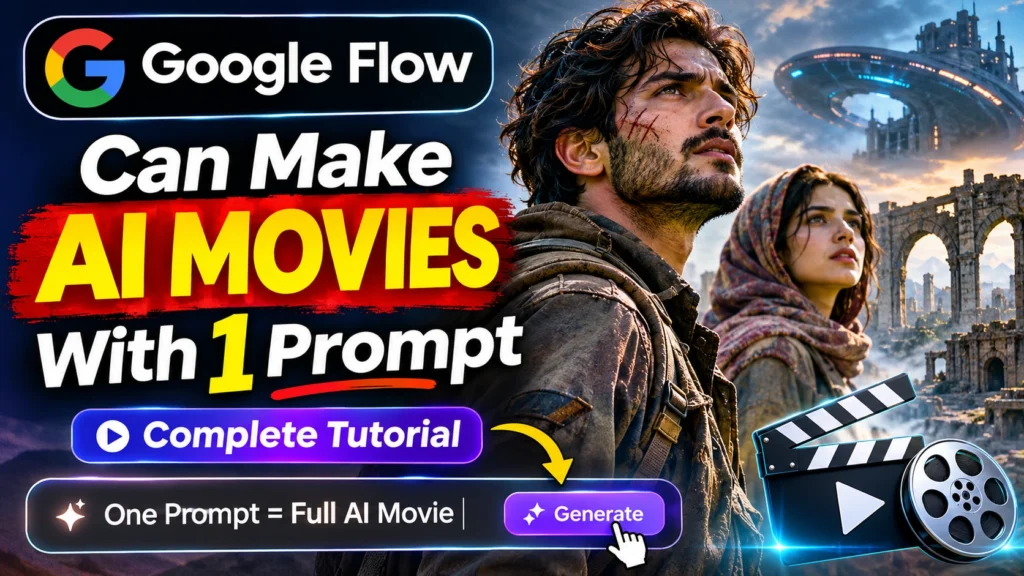
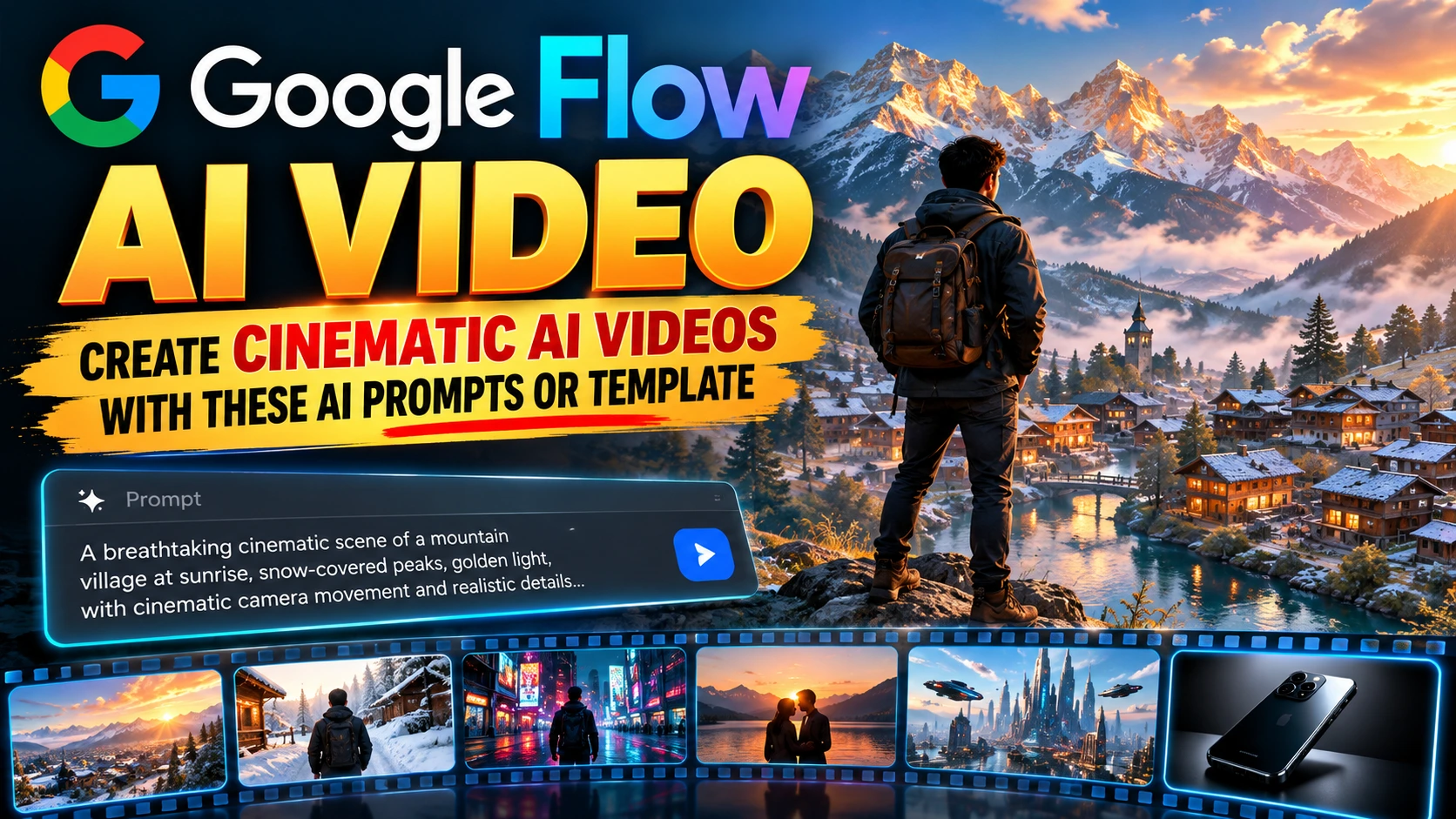
Google Flow is becoming a powerful option for creators who want to make cinematic AI videos without traditional filming equipment. It combines Google’s generative AI models with tools for creating, editing, extending and refining video scenes. The current Flow experience includes Veo 3.1, Gemini Omni and image generation capabilities. Google says Veo 3.1 provides expanded creative controls, native audio and improved realism, while Gemini Omni can create and edit videos using reference inputs.
In this guide, you will find Google Flow AI video prompts, cinematic prompt templates and practical examples that you can copy, customize and use for your own projects.
What Is Google Flow AI?
Google Flow is Google’s AI creative studio designed for creating and refining visual content. It was originally introduced as an AI filmmaking tool built around Google’s Veo, Imagen and Gemini models. Flow can help you create:
- Cinematic AI videos
- Short films
- Product videos
- Social media videos
- Travel scenes
- Action sequences
- Fantasy videos
- Sci-fi scenes
- Character-based stories
- Image-to-video sequences
- Video extensions
- AI-generated scenes with audio
Google has continued adding editing and creative controls to Flow. Recent updates include start and end frame control, higher-resolution exports, faster draft generation and additional editing capabilities.
Why Use Google Flow for AI Video Creation?
The biggest advantage of Flow is the level of creative control available through natural-language instructions. Instead of manually setting up a camera, lighting, location and effects, you can describe the shot you want. For example:
“A cinematic aerial shot of a Kashmiri village surrounded by snow-covered mountains at sunrise, soft golden light, realistic atmospheric haze, slow camera movement, detailed textures, natural environmental audio.” The prompt tells the model what should appear, how the camera should move and what type of atmosphere the scene should have. Google also recommends detailed prompts that describe the subject, action, composition, camera movement, location, lighting, style and audio.
How to Make Cinematic Videos in Google Flow
Step 1: Open Google Flow
Open Google Flow and start a new creative project. Flow is available through Google’s Flow platform, with features and access depending on your subscription, platform and region.
Step 2: Decide Your Scene
Before writing your prompt, decide what you want the viewer to see. For example:
- Who is in the scene?
- Where does the scene happen?
- What is happening?
- What should the camera do?
- What time of day is it?
- What type of lighting do you want?
- Should the video include audio?
- What visual style do you want?
Step 3: Write a Detailed Prompt, Below are detailed prompts:
Google Flow AI Video Prompt Template
Use this template whenever you want to create a cinematic video.
Copy Prompt:
[SUBJECT] + [ACTION] + [LOCATION] + [CAMERA SHOT] + [CAMERA MOVEMENT] + [LIGHTING] + [VISUAL STYLE] + [ATMOSPHERE] + [AUDIO] + [QUALITY]
Example:
A young filmmaker walking through an old mountain village during early morning, light fog surrounding the wooden houses, cinematic wide shot, slow tracking camera movement, soft golden sunrise lighting, realistic textures, subtle atmospheric depth, natural wind and distant birds, cinematic filmmaking style, highly detailed realistic visuals.
This structure gives you more control than using a short prompt such as “make a cinematic mountain video.”
Google Flow Cinematic AI Video Prompt 1
Use this prompt to create a dramatic cinematic establishing shot.
A breathtaking cinematic establishing shot of a remote mountain village surrounded by massive snow-covered mountains at sunrise. Small wooden houses with warm lights glowing through the windows. Thin morning fog moves slowly between the houses. The camera begins with a wide aerial view and slowly moves forward toward the village, gradually revealing more environmental details. Soft golden sunlight hits the mountain peaks while the valley remains slightly shadowed. Realistic atmospheric perspective, natural textures, subtle wind movement, cinematic depth of field, realistic lighting, professional filmmaking quality, slow dramatic pacing, natural environmental sounds.Google Flow AI Video Prompt 2
Create a cinematic character introduction.
A young traveler wearing a dark winter jacket walks slowly through a quiet mountain village during early morning. Snow covers the rooftops and narrow pathway. The camera starts with a medium rear shot and slowly moves around the character to reveal their face. Soft sunlight passes through the morning fog. The character looks toward the distant mountains with a calm and emotional expression. Realistic facial details, natural body movement, cinematic color grading, shallow depth of field, subtle lens flare, realistic snow particles, gentle wind and distant environmental sounds, premium cinematic film look.Google Flow AI Video Prompt 3
Create a cinematic action scene.
A cinematic action sequence showing a lone explorer running through a dense forest during a powerful rainstorm. Heavy rain falls through the trees while water splashes beneath the character's feet. The camera follows from behind with a fast tracking movement, then smoothly transitions to a low-angle side shot as the character runs past the camera. Dramatic storm lighting, realistic rain physics, wet clothing, detailed forest textures, natural motion blur, intense atmosphere, cinematic depth of field, realistic environmental audio, high-end action movie cinematography.Google Flow AI Video Prompt 4
Create a cinematic night scene.
A cinematic nighttime street scene in a futuristic city filled with glowing signs, wet roads and reflections. A young man walks slowly through the crowded street while light rain falls around him. The camera follows from behind and gradually moves beside him. Neon lights reflect naturally across the wet pavement. Steam rises from street vents. Background pedestrians move naturally without looking at the camera. Realistic skin textures, detailed clothing, atmospheric fog, shallow depth of field, realistic reflections, cinematic lighting, slow camera movement, immersive city ambience and rain sounds.Google Flow AI Video Prompt 5
Create a romantic cinematic scene.
A cinematic romantic scene featuring a young couple standing beside a quiet lake during sunset. Mountains are visible in the background and warm sunlight reflects across the water. The couple looks at each other and smiles naturally. The camera begins with a wide shot and slowly pushes toward them before transitioning into a gentle close-up. Soft golden-hour lighting, realistic skin tones, subtle wind moving their clothing and hair, natural facial expressions, shallow depth of field, soft background bokeh, realistic environmental ambience, emotional cinematic atmosphere.Google Flow AI Video Prompt 6
Create a cinematic travel video.
A premium cinematic travel sequence showing a traveler exploring the breathtaking landscapes of Kashmir. Begin with a wide aerial shot of green valleys surrounded by snow-covered Himalayan mountains. Transition to a slow tracking shot through a traditional village, followed by a close-up of the traveler looking toward the mountains. Include natural movement in trees, grass and clothing. Warm morning sunlight, realistic atmospheric haze, detailed landscape textures, cinematic depth of field, smooth camera transitions, natural environmental audio, realistic documentary filmmaking style.Google Flow AI Video Prompt 7
Create a cinematic sci-fi scene.
A cinematic science-fiction scene showing a futuristic city built among enormous mountains. Advanced flying vehicles move between towering buildings while atmospheric clouds drift through the skyline. The camera begins high above the city and slowly descends toward a futuristic street. Neon lights illuminate the buildings while realistic reflections appear on wet surfaces. Highly detailed architecture, realistic atmospheric effects, cinematic lighting, volumetric fog, realistic physics, smooth camera movement, dramatic scale, immersive futuristic ambience and cinematic science-fiction filmmaking style.Google Flow AI Video Prompt 8
Create a cinematic historical scene.
A cinematic historical village during early morning in the 18th century. Traditional stone and wooden houses line a narrow dirt road while villagers begin their daily activities. Horses move slowly through the background and smoke rises from small fireplaces. The camera begins with a wide establishing shot and slowly tracks through the village. Natural sunlight, realistic period clothing, detailed architecture, atmospheric dust, authentic environmental movement, realistic textures, cinematic depth of field, documentary-style realism and natural village ambience.Google Flow AI Video Prompt 9
Create a cinematic product advertisement.
A premium cinematic product advertisement featuring a modern smartphone placed on a reflective black surface inside a dark studio. Soft light gradually moves across the phone, revealing its metallic edges and camera system. The camera slowly rotates around the product before moving into a detailed macro close-up. Dramatic studio lighting, realistic reflections, subtle particles in the air, sharp product details, shallow depth of field, smooth camera movement, luxury commercial aesthetic, high-end advertising cinematography and clean professional composition.Google Flow AI Video Prompt 10
Create a cinematic drone shot.
A breathtaking cinematic drone shot flying above a vast green valley surrounded by dramatic mountains. A narrow river flows through the center of the landscape while small trees move gently in the wind. The camera begins close to the ground and slowly rises into a massive aerial reveal, exposing the full scale of the landscape. Golden-hour sunlight, realistic clouds, atmospheric haze, natural shadows, detailed vegetation, realistic water movement, smooth drone motion, cinematic composition and immersive natural ambience.Final Tips
- Start with a clear idea.
- Write detailed prompts.
- Describe camera movement.
- Specify lighting.
- Use reference images when consistency matters.
- Repeat important character details across scenes.
- Generate multiple versions.
- Refine one element at a time.
- Use audio instructions when available.
- Build longer stories from multiple shots.
Google Flow has evolved from an AI filmmaking experiment into a broader creative studio with video generation, image generation, editing, reference-based workflows and custom creative tools. Its current platform highlights Veo 3.1, Gemini Omni and other Google generative models.
The best results come from treating Flow like a filmmaking tool. Think about the shot, camera, subject, lighting, movement and sound before writing your prompt. The more clearly you communicate the scene, the more control you have over the final video.