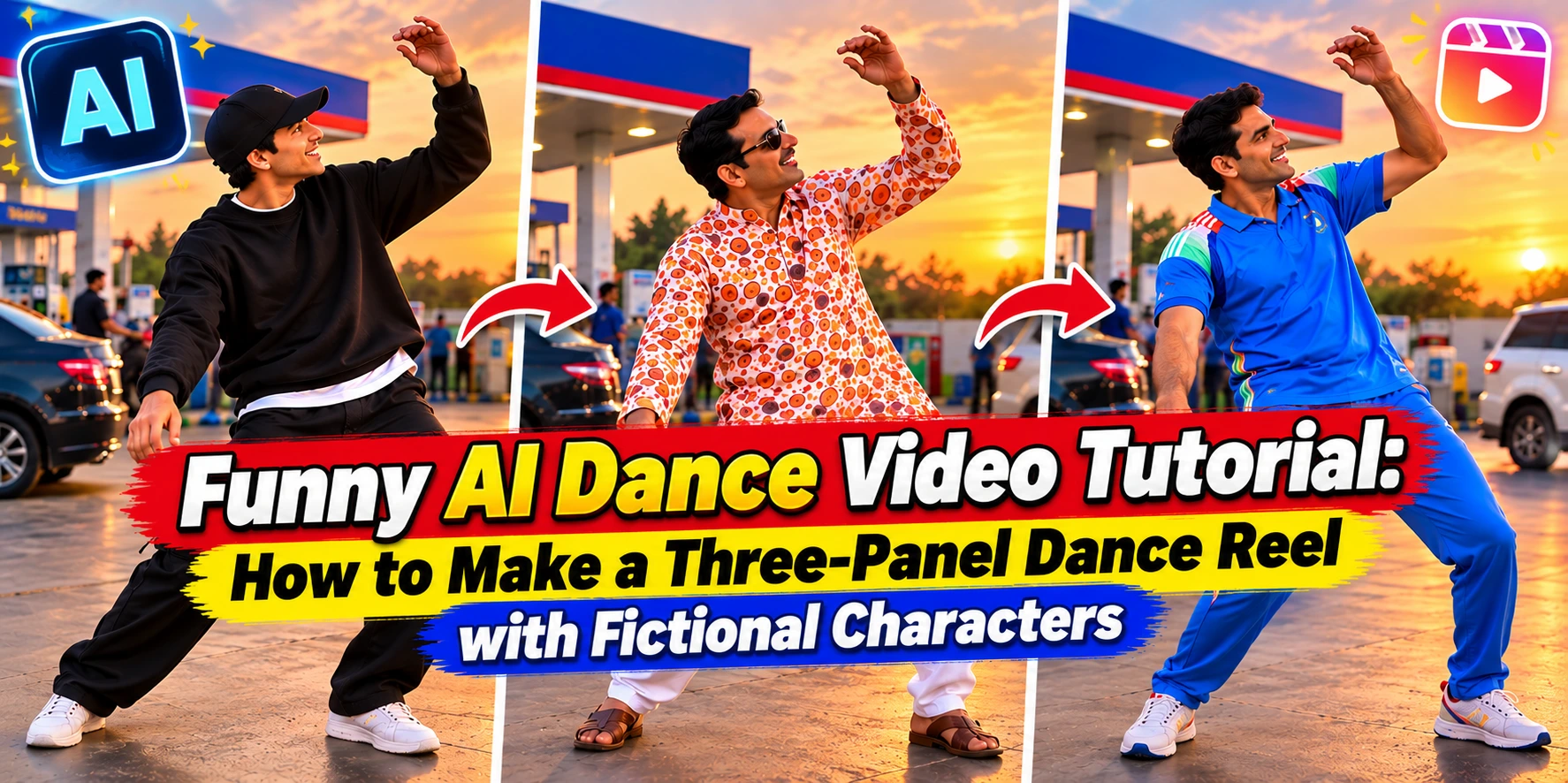
Funny celebrity dance videos are trending across social media platforms. These videos show popular actors, actresses, cricketers, and other famous personalities performing funny dance moves, unusual expressions, and entertaining actions. AI video generation tools make it possible to create similar videos using a photo, a text prompt, and a suitable dance reference.
If you want to learn how to make a Funny AI Dance Video Tutorial, this guide will help you understand the complete process. You will also find ready-to-use AI prompts that you can copy and use with compatible AI tools.
What Is Funny AI Dance Video Tutorial?
A Funny Dance AI Video is an AI-generated or AI-edited video that shows a celebrity performing a dance routine. Creators often use humorous dance moves, funny facial expressions, trending music, and creative backgrounds to make these videos entertaining.
For example, you can create a fictional comedy dance scene featuring a Bollywood-style character, a celebrity-inspired look, or a public figure dancing at a wedding. Depending on the AI tool, you may be able to animate an uploaded image or generate a video directly from a text prompt.
What Do You Need to Create AI Dance Videos?
Before starting, arrange the following:
- A smartphone or computer.
- A clear photo that you have permission to use.
- An AI image-to-video or text-to-video tool.
- A dance reference video, if your chosen tool supports motion transfer.
- A video editor for adding music, captions, and sound effects.
Some tools offer free credits, while others require a paid subscription. Features and pricing may vary.
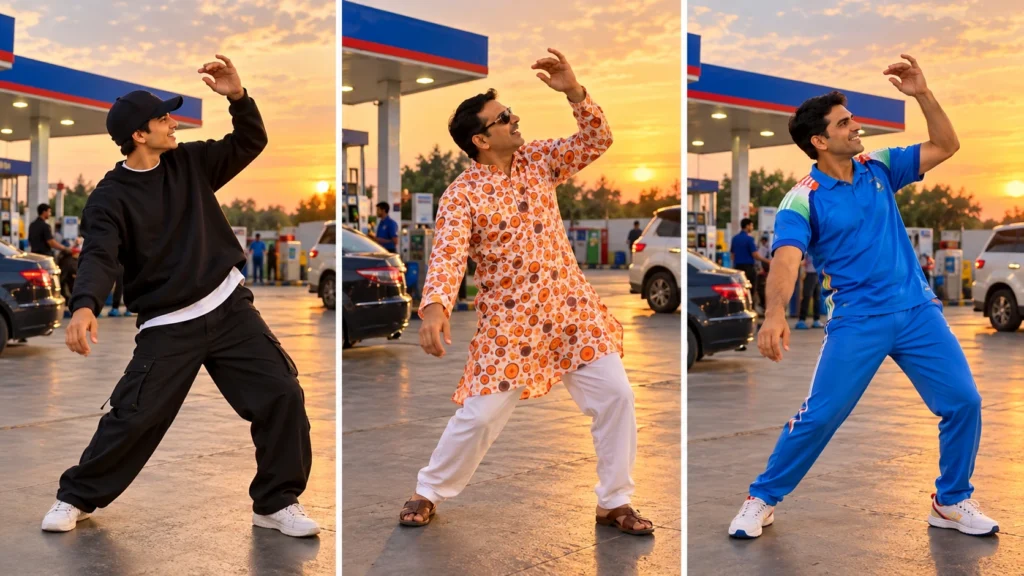
How to Make a Trending Funny AI Dance Video Tutorial
Follow these steps to create your video.
Step 1: “Choose Your Dance Concept”.
First, decide which type of video you want to make. You can create a funny Bollywood dance, a celebrity wedding dance, a comedy group dance, or a short dance challenge. Choose a concept that works well in a vertical video format for Instagram Reels, YouTube Shorts, and Facebook Reels.
Step 2: Prepare Your Image
Select a clear, high-quality image with a visible face and body. A full-body image can work better for dance animations because the AI tool has more visual information about the person’s pose.
Use images you own or have permission to use. Avoid presenting an AI-generated performance as real footage of a celebrity.
Step 3: Generate the Dance Video
Open an AI video generator that supports image-to-video animation or reference-based motion generation. Upload your image, enter a detailed prompt, and choose the video settings.
If the tool supports reference videos, you can provide a dance clip to guide the movement. Follow the tool’s rules for uploaded faces and public figures.
Step 4: Add Music and Funny Effects
After generating the video, import it into your preferred video editor. Add suitable music, sound effects, captions, and quick cuts.
Use music you created, licensed, or are otherwise authorized to use. Trending audio may have different usage restrictions across platforms.
Step 5: Export Your Video
For a vertical social media video, select a 9:16 aspect ratio, such as 1080 × 1920 pixels, if your tool supports it. Preview the final video to check the face, body movements, background, and audio synchronization before publishing.
Best AI Prompts for Funny AI Dance Video?
Below are ready-to-use prompts for creating funny dance videos. Copy a prompt and paste it into an AI video generator that supports the relevant workflow. Results will depend on the tool and the input image.
Prompt 1: Funny Bollywood Dance
Create a short, funny Bollywood-style dance video using the uploaded reference image. The person performs energetic and exaggerated dance steps, funny shoulder movements, playful hand gestures, and entertaining facial expressions. Use smooth full-body animation, realistic lighting, natural motion, and a colorful Indian party background. Keep the person's appearance consistent throughout the video. Use a vertical 9:16 composition, a lively cinematic camera, and a humorous social media atmosphere. Do not add text, logos, or watermarks.Prompt 2: Funny Wedding Dance
Animate the uploaded reference image into a humorous Indian wedding dance scene. The person performs playful bhangra-inspired steps, energetic shoulder bounces, funny hand movements, and cheerful expressions. Add a colorful wedding venue with decorative lights, flowers, and guests dancing in the background. Use smooth body movements, consistent facial features, realistic fabric motion, and cinematic lighting. Create a short vertical 9:16 video suitable for social media entertainment.Prompt 3: Funny Dance Challenge
Create an entertaining AI dance challenge video using the provided reference image. The person performs a sequence of funny dance moves, including quick footwork, exaggerated shoulder shakes, playful turns, and comic poses. Keep the choreography synchronized and the body proportions natural. Use a bright studio background, smooth camera movement, clear full-body framing, and consistent character appearance. Format the output vertically in 9:16 for short-form social media videos.Prompt 4: Group Style Dance
Create a humorous group dance video featuring fictional celebrity-inspired characters with distinct outfits and personalities. All characters perform coordinated comedy dance steps, exaggerated expressions, synchronized shoulder movements, and playful hand gestures. Use a colorful stage with dynamic lights and an energetic entertainment atmosphere. Maintain consistent faces, realistic body proportions, clear separation between characters, and smooth motion. Use a vertical 9:16 format. Do not imply that the fictional characters are real footage of actual celebrities.Prompt 5: Funny Slow-Motion Dance
Generate a funny cinematic dance video from the uploaded reference image. The person begins with a serious pose, then performs unexpected exaggerated dance movements, playful footwork, and humorous facial expressions. Include a brief slow-motion turn followed by energetic dancing. Use realistic lighting, smooth motion, a clean background, and consistent appearance. Keep the entire body visible and avoid distorted hands, extra limbs, flickering faces, or sudden scene changes. Use a vertical 9:16 composition.Which AI Tools Can You Use?
You can explore the following types of tools, depending on the features available to your account.
- Google Flow and compatible Veo workflows for AI video generation.
- Kling AI for supported image-to-video and motion workflows.
- Runway for supported generative video features.
- CapCut for editing, effects, captions, and audio.
- Other image-to-video tools that accept reference images and text prompts.
Check the current features and terms of each platform before choosing a workflow. Not every tool supports direct celebrity animation, reference-video motion transfer, or the same export options.
Tips for Making Viral-Looking Funny Dance Videos
Use these practical tips to improve your results.
- Keep the opening scene interesting. Start with a funny pose or unexpected dance move.
- Use short clips. A clear 5 to 10-second sequence can be easier to generate and edit.
- Choose a specific dance style. Bhangra, wedding dance, comedy dance, and Bollywood-inspired choreography are useful starting points.
- Keep the face consistent. Use a clear reference image and avoid prompts that request multiple sudden appearance changes.
- Check the movements. Regenerate sections with distorted hands, unnatural legs, or inconsistent facial features.
- Add clear captions. A short, relevant caption can help viewers understand the joke.
- Make the AI nature clear. Label realistic AI-generated celebrity scenes appropriately, especially when viewers might mistake them for authentic footage.
Frequently Asked Questions
Can I create a funny dance video for free?
Some AI tools provide free credits or limited features. You may need a paid plan for longer videos, higher resolutions, or advanced motion controls.
Can I make funny dance videos using my phone?
Yes. You can use compatible AI video tools through a mobile browser or app, then edit the generated clip using a mobile video editor.
Which prompt works best for AI funny dance videos?
Start with a detailed prompt that describes the dance style, body movement, facial expression, background, camera framing, and video aspect ratio. If your tool supports reference motion, use a suitable dance clip to guide the choreography.
Can I upload AI funny dance videos to YouTube Shorts?
You can publish AI-generated entertainment videos, but you should follow YouTube’s synthetic-content disclosure requirements when applicable. You must also respect copyright, privacy, impersonation, and other platform rules. Do not use AI to mislead viewers into believing a celebrity genuinely performed an action that never happened.
Will these videos get monetized?
Monetization is not guaranteed. Platforms assess originality, meaningful creative contribution, copyright compliance, and other eligibility requirements. Repeated, low-effort, or misleading AI-generated content may face monetization restrictions.
Final Words
Creating a Trending Funny Dance AI Video can be straightforward when you combine a suitable reference image, a detailed AI prompt, and basic video editing. Start with the five prompts in this guide, experiment with different dance styles, and review the generated results before publishing.
For the best results, focus on original comedy concepts, smooth animation, appropriate music, and transparent AI labeling. These steps can help you create entertaining short-form videos while respecting the rights of the people featured.