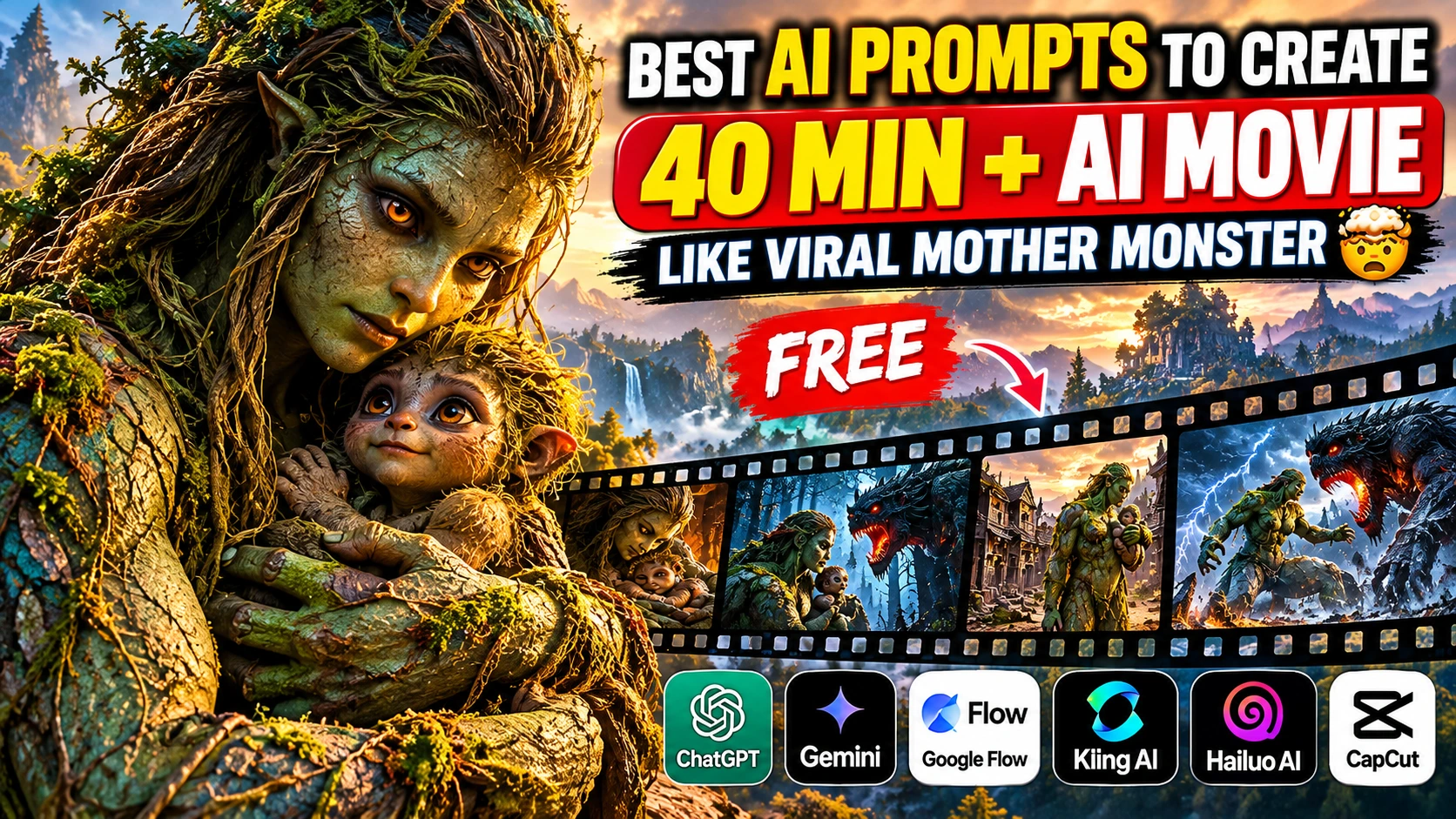
Have you seen those viral AI monster movies on YouTube and social media? These videos feature scary mother monsters, emotional stories, mysterious creatures, cinematic scenes, and unexpected twists. Many creators are now using AI tools to create similar movie-style videos without expensive cameras, actors, or film studios.
The good news is that you can also create a long AI movie using free AI tools and carefully written prompts. You can generate character images, turn them into video clips, add voiceovers, create background music, and combine everything into a complete cinematic story.
In this guide, you will learn how to create a 40-minute or longer AI movie inspired by the viral Mother Monster video trend. You will also get ready-to-use AI prompts, a sample storyline, and a step-by-step workflow for beginners.
What Is the Viral Mother Monster AI Movie Trend?
Mother Monster-style AI movies feature fictional monster characters, family relationships, suspense, emotional moments, dangerous situations, and cinematic storytelling. Creators use AI image and video generators to bring these imaginary characters to life.
Typical elements include:
- A powerful mother monster protecting her child.
- A mysterious forest, abandoned village, or dark cave.
- Scary creatures and unexpected encounters.
- Emotional scenes involving family and survival.
- Cinematic camera movements and realistic environments.
- A dramatic ending that encourages viewers to watch until the end.
You can create an original story using these elements without copying another creator’s exact characters, scenes, or storyline.
Best Free AI Tools to Create a Long AI Movie
You do not need every tool listed below. Start with the tools that fit your budget and workflow.
| AI Tool | What You Can Use It For |
|---|---|
| ChatGPT | Story writing, scene planning, and AI prompts |
| Google Gemini | Character concepts, story ideas, and image generation where available |
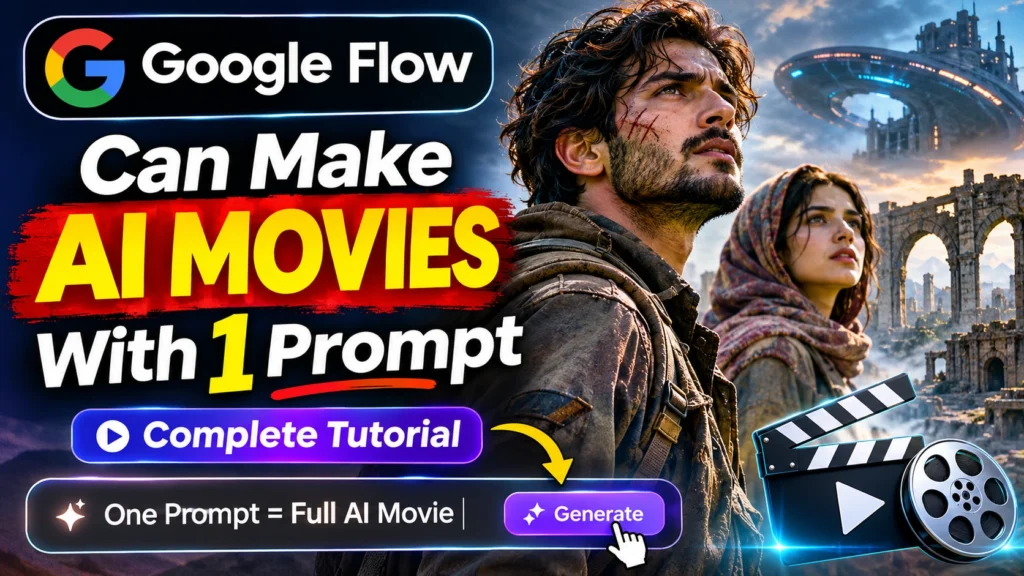
| Google Flow | Cinematic AI video generation, depending on access and plan |
| Kling AI | Image-to-video and text-to-video generation, depending on available credits |
| Hailuo AI | AI video clips and cinematic character scenes |
| ElevenLabs | Character dialogue and narration, subject to free-tier limits |
| CapCut | Video editing, sound effects, captions, and transitions |
Free access, generation limits, watermarks, and export options can change. Check each platform’s current terms before starting your project.
How to Create a 40-Minute+ AI Movie
Creating a 40-minute AI movie requires planning. Most AI video generators create short clips rather than a complete 40-minute film in one generation. Follow this workflow.
Step 1: Create Your Original Story
First, decide what your movie will be about. Give your characters clear personalities, goals, and motivations. For example, your story could follow a giant mother monster who protects her young child from dangerous creatures living in a mysterious forest.
Step 2: Generate Consistent Character Images
Create reference images for the mother monster, her child, and other important characters. Keep their appearance consistent throughout the movie.
Save the reference images and reuse them when generating new scenes. This can help reduce unwanted changes to faces, body shapes, colors, and clothing.
Step 3: Generate Short Video Scenes
Break the story into individual scenes. Generate each scene as a short video clip using text-to-video or image-to-video tools. For example, a scene might show the mother monster walking through a foggy forest while protecting her child.
Step 4: Add Dialogue and Sound Effects
Create narration and character dialogue. Add footsteps, wind, monster growls, forest ambience, and dramatic background music where appropriate. Keep dialogue clear and ensure that the sound matches the action on screen.
Step 5: Edit the Movie
Import the clips into CapCut or another video editor. Arrange them in story order, remove unnecessary pauses, add transitions, and balance the audio. Use establishing shots, dialogue scenes, action sequences, and quiet emotional moments to make the movie feel complete.
Step 6: Extend the Movie Beyond 40 Minutes
A 40-minute movie needs a complete narrative rather than repeated scenes. Divide your story into eight chapters of approximately five minutes each. Each chapter should introduce a new challenge, reveal information, or move the characters closer to the ending. Your final runtime will depend on the length of your generated clips, narration, dialogue, and editing.
Best AI Prompts for Trending Celebrity Funny Dance Videos
Below are ready-to-use prompts for creating funny dance videos. Copy a prompt and paste it into an AI video generator that supports the relevant workflow. Results will depend on the tool and the input image.
Prompt 1: Funny Bollywood Celebrity Dance
Create a short, funny Bollywood-style dance video using the uploaded reference image. The person performs energetic and exaggerated dance steps, funny shoulder movements, playful hand gestures, and entertaining facial expressions. Use smooth full-body animation, realistic lighting, natural motion, and a colorful Indian party background. Keep the person's appearance consistent throughout the video. Use a vertical 9:16 composition, a lively cinematic camera, and a humorous social media atmosphere. Do not add text, logos, or watermarks.Prompt 2: Celebrity Wedding Dance
Animate the uploaded reference image into a humorous Indian wedding dance scene. The person performs playful bhangra-inspired steps, energetic shoulder bounces, funny hand movements, and cheerful expressions. Add a colorful wedding venue with decorative lights, flowers, and guests dancing in the background. Use smooth body movements, consistent facial features, realistic fabric motion, and cinematic lighting. Create a short vertical 9:16 video suitable for social media entertainment.Prompt 3: Funny Dance Challenge
Create an entertaining AI dance challenge video using the provided reference image. The person performs a sequence of funny dance moves, including quick footwork, exaggerated shoulder shakes, playful turns, and comic poses. Keep the choreography synchronized and the body proportions natural. Use a bright studio background, smooth camera movement, clear full-body framing, and consistent character appearance. Format the output vertically in 9:16 for short-form social media videos.Prompt 4: Group Celebrity-Style Dance
Create a humorous group dance video featuring fictional celebrity-inspired characters with distinct outfits and personalities. All characters perform coordinated comedy dance steps, exaggerated expressions, synchronized shoulder movements, and playful hand gestures. Use a colorful stage with dynamic lights and an energetic entertainment atmosphere. Maintain consistent faces, realistic body proportions, clear separation between characters, and smooth motion. Use a vertical 9:16 format. Do not imply that the fictional characters are real footage of actual celebrities.Prompt 5: Funny Slow-Motion Dance
Generate a funny cinematic dance video from the uploaded reference image. The person begins with a serious pose, then performs unexpected exaggerated dance movements, playful footwork, and humorous facial expressions. Include a brief slow-motion turn followed by energetic dancing. Use realistic lighting, smooth motion, a clean background, and consistent appearance. Keep the entire body visible and avoid distorted hands, extra limbs, flickering faces, or sudden scene changes. Use a vertical 9:16 composition.Master Prompt to Plan a 40-Minute AI Movie
Use the following prompt in ChatGPT or another capable AI writing assistant to develop the full movie before generating individual clips.
Copy and use this prompt:
Act as an experienced fantasy film screenwriter and AI movie production planner. Create an original 40 to 45-minute cinematic monster movie titled “Mother Guardian: The Last Forest.” The movie follows a powerful mother monster who must protect her young child from a mysterious creature threatening their forest home.
Requirements:
- Divide the movie into eight chapters, each approximately five minutes long.
- Create a strong opening hook within the first 30 seconds.
- Introduce the main characters and establish their visual appearance.
- Build suspense gradually through new discoveries, dangerous encounters, and emotional moments.
- Give every chapter a clear beginning, development, and ending.
- Include scene-by-scene descriptions, character dialogue, narration, sound effects, and background music suggestions.
- Provide a separate AI video prompt for every scene.
- Keep the characters, environments, colors, and visual details consistent throughout the movie.
- Use practical scene durations and ensure the total planned runtime reaches at least 40 minutes.
- End with an emotionally satisfying resolution and a natural opportunity for a sequel.
Make the story original. Avoid copying existing movies, copyrighted characters, or another creator’s exact video. Format the result as a complete production plan with chapter timings, scene numbers, dialogue, and video prompts.
How Many AI Clips Do You Need for a 40-Minute Movie?
The number depends on the duration of each generated clip.
| Average Clip Length | Approximate Clips for 40 Minutes |
|---|---|
| 5 seconds | 480 |
| 8 seconds | 300 |
| 10 seconds | 240 |
| 15 seconds | 160 |
| 20 seconds | 120 |
| 30 seconds | 80 |
These figures assume that every clip contributes its full duration to the finished movie. You may need additional generations because some clips will contain visual errors or unsuitable movement. For a beginner, a practical approach is to create a five-minute pilot first. Test character consistency, dialogue, audio quality, and editing before attempting the full movie.
Final Thoughts
Creating a 40-minute AI monster movie takes a clear story, consistent characters, carefully planned scenes, and patient editing. Start with the prompts in this guide, create a short pilot, and improve your workflow before producing the full movie.
The most important part is the story. Strong characters, clear motivations, suspense, and an engaging ending will help your AI movie feel more complete than a collection of unrelated generated clips.
You can use the prompts above as a starting point and develop your own original Mother Monster-inspired film with the AI tools available to you.