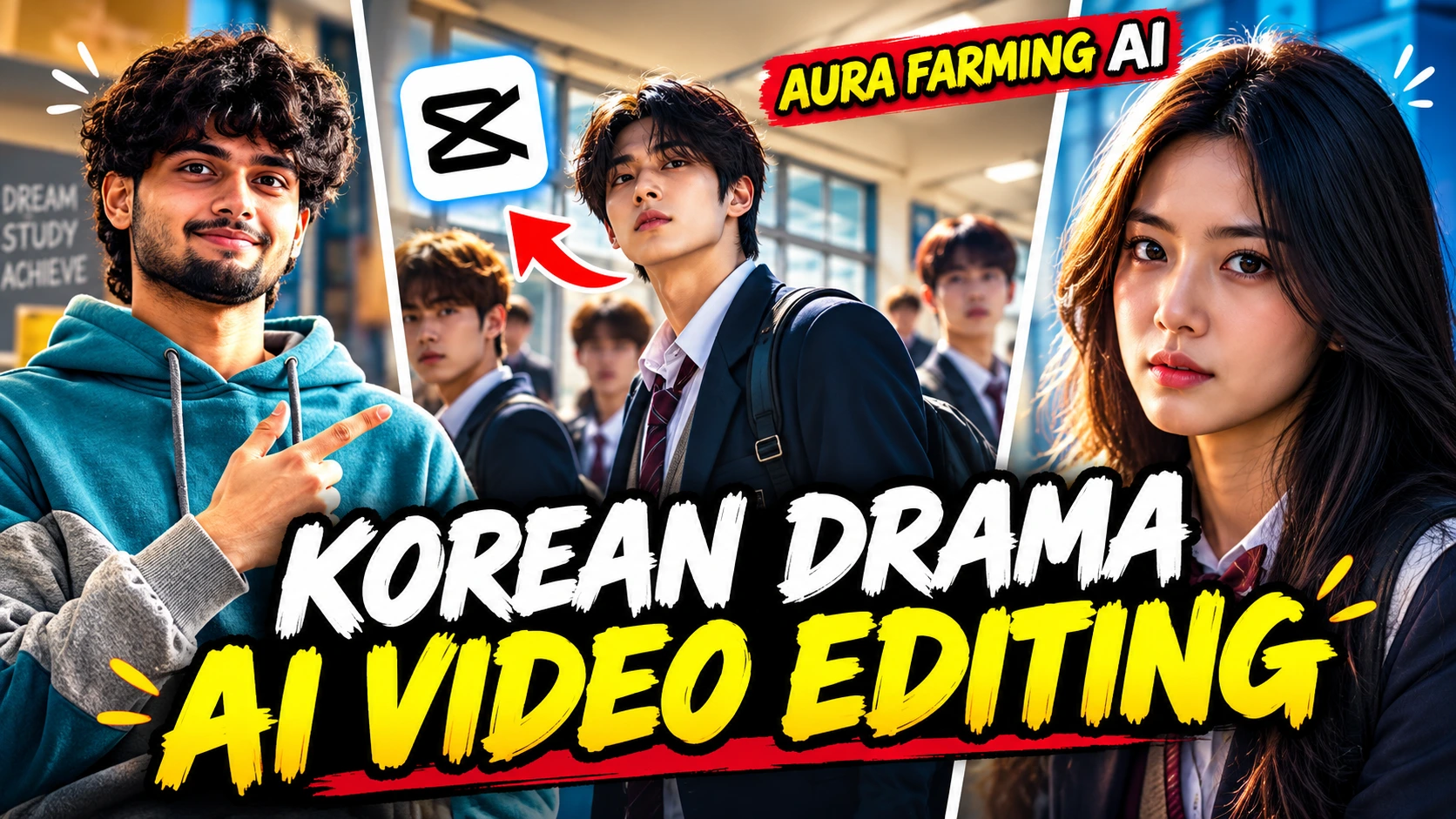
Instagram Reels featuring Korean aura farming, cinematic slow-motion scenes, stylish characters, and confident walking animations are becoming a popular source of inspiration for AI video creators. With tools like ChatGPT, Google Gemini, and AI video generators, you can create similar Korean drama-inspired videos using simple text prompts.
The Park Yoon-ho Study Group-inspired editing style focuses on confident expressions, fashionable outfits, dramatic camera angles, and cinematic lighting. You can use these elements to create your own fictional characters and turn them into engaging AI videos for Instagram Reels, YouTube Shorts, and other social media platforms.
In this guide, PromptViz.online shares ready-to-copy AI image prompts, video animation prompts, and editing instructions to help you create your own Korean aura farming video.
What Is Korean Aura Farming AI Video Editing?
Aura farming refers to creating a confident, stylish, and impressive visual presence. In AI video editing, creators use slow-motion movements, dramatic lighting, cinematic camera angles, and fashionable character designs to achieve this effect. The Korean-inspired style often includes:
- Korean drama-inspired character designs.
- Stylish school-inspired outfits.
- Confident walking animations.
- Dramatic close-up shots.
- Slow-motion camera movements.
- Cinematic backgrounds and lighting.
- Beat-synchronized transitions.
The Park Yoon-ho Study Group trend can inspire your video concept. You can create an original character with a similar visual atmosphere without copying exact scenes from an existing production.
Tools Required to Create Korean Aura Farming Videos
You can use the following tools to create your AI video.
| Tool | Purpose |
|---|---|
| ChatGPT | Write and improve AI prompts. |
| Google Gemini | Generate or edit images using available features. |
| AI video generator | Animate images into short video clips. |
| CapCut | Edit clips, add transitions, and synchronize music. |
| Publish your final Reel. |
Some tools offer free usage limits, while advanced features may require a paid plan.
Best Korean Aura Farming AI Image Prompts
Below are ready-to-copy prompts for creating Korean drama-inspired images. You can use them with compatible image-generation tools.
1. Korean Aura Farming Character Prompt
Create a stylish Korean-inspired character with a confident expression and cinematic appearance.
Create a highly realistic cinematic portrait of a fictional Korean young man with neatly styled black hair, sharp expressive eyes, and a calm, confident expression. He is wearing a fashionable dark school-inspired jacket over a white shirt. Place him in a modern Korean urban setting with dramatic natural lighting, realistic skin texture, detailed clothing, shallow depth of field, and professional Korean drama color grading. Give the character a powerful and stylish aura without an exaggerated facial expression. Vertical 9:16 composition, photorealistic details, natural anatomy, no text, no logo, no watermark.2. Park Yoon-ho Study Group Inspired AI Prompt
Use this prompt to create a fictional character inspired by the Korean school action-drama aesthetic.
Create a cinematic Korean school action-drama scene featuring a fictional male student standing confidently outside a modern school building. He wears a dark school-inspired blazer, a white shirt, and a loosely styled tie. His expression is focused and composed. Use a slightly low camera angle, soft daylight, realistic shadows, subtle wind moving his hair and jacket, detailed architecture, and premium Korean drama cinematography. Keep the character's appearance natural and realistic. Vertical 9:16 composition, full upper body visible, no text, no logos, no watermark.3. Korean Aura Farming Walking Prompt
This prompt is suitable for creating an image that you can later animate into a walking video.
Generate a photorealistic full-body image of a fictional Korean young man walking confidently toward the camera on a modern city street. He wears a stylish dark outfit inspired by Korean street fashion. His shoulders are relaxed, and his expression is calm and confident. Add cinematic daylight, a slightly blurred urban background, realistic fabric details, natural body proportions, and a low-angle camera perspective. Use professional film color grading and detailed textures. Vertical 9:16 composition, full body visible, no text, no watermark.Best AI Video Animation Prompts
After generating your character images, use an image-to-video tool to animate them. These prompts focus on smooth movement and consistent character appearance.
1. Aura Farming Slow-Motion Video Prompt
Animate the provided reference image into a realistic cinematic video. The character walks slowly toward the camera with a calm and confident expression. His hair and jacket move naturally in a gentle breeze. Use smooth slow-motion movement, a subtle forward camera push, realistic body mechanics, and natural blinking. Preserve the character's original face, hairstyle, clothing, and background. Avoid facial distortion, extra fingers, flickering, unnatural movement, and sudden scene changes. Vertical 9:16 video, Korean drama-inspired cinematic style.2. Cinematic Face Reveal Prompt
Create a cinematic character reveal using the supplied reference image. Start with a medium shot and slowly move the camera closer to the character's face. The character slightly raises his chin and looks toward the camera with a calm, confident expression. Add subtle hair movement, realistic lighting, smooth camera motion, and dramatic cinematic color grading. Maintain consistent facial features, clothing, and background. Avoid morphing, distorted eyes, artificial facial changes, and sudden camera jumps. Vertical 9:16 composition.3. Study Group Entry Video Prompt
Animate the supplied reference image into a cinematic Korean school drama scene. A group of fictional students walks forward together with confident expressions. Preserve each character's facial identity, hairstyle, outfit, and position. Use a smooth backward tracking shot, realistic walking cycles, subtle clothing movement, natural shadows, and a slightly slowed cinematic pace. Keep the background stable and avoid duplicate characters, extra limbs, flickering, or unnatural movement. Vertical 9:16 video.How to Create Korean Aura Farming Videos Using ChatGPT and Gemini
Follow these steps to create your own AI video.
- Step 1: Open ChatGPT or Gemini and prepare an image-generation prompt. Describe the character, clothing, background, facial expression, and lighting.
- Step 2: Generate your character image using an available image-generation feature. Choose an image with a clear face and a suitable vertical composition.
- Step 3: Upload the image to an AI video generator that supports image-to-video animation.
- Step 4: Paste one of the video prompts provided above. Generate a short clip featuring a slow-motion walk, camera reveal, or group entrance.
- Step 5: Download the generated clip if the tool permits it. Repeat the process with different scenes if you want to create a longer Reel.
- Step 6: Open CapCut or another video editor. Arrange the clips, add transitions, synchronize them with suitable music, and adjust the visual style.
- Step 7: Export the final video in a vertical 9:16 format, preferably at 1080 × 1920 resolution when available.
How to Edit the Video in CapCut
CapCut can help you turn your AI-generated clips into a polished Instagram Reel.
- Create a new project and import your AI clips.
- Set the aspect ratio to 9:16.
- Arrange the scenes in the desired order.
- Add subtle slow motion to walking and character-reveal shots.
- Use simple transitions between clips.
- Adjust brightness, contrast, and saturation for a consistent look.
- Add music or sound effects that you have permission to use.
- Preview the entire video and check for visual glitches.
- Export the video using the highest suitable quality available.
Avoid excessive effects. Smooth movement, consistent characters, and well-timed transitions can make your final video look more professional.
Tips for Better Korean AI Video Results
Use these practical tips when generating your clips.
- Use the same reference image to maintain character consistency.
- Keep each animation prompt focused on one main movement.
- Generate shorter clips if the video tool struggles with complex actions.
- Describe camera movements clearly.
- Check the character’s face, hands, and clothing before exporting.
- Use original characters instead of presenting fictional scenes as real footage.
- Choose suitable audio and follow the platform’s music licensing rules.
- Review the final video before publishing it.
Final Words
Korean aura farming AI video editing offers a creative way to produce cinematic social media content. With ChatGPT or Gemini for prompt creation, an AI video generator for animation, and CapCut for editing, you can create Korean drama-inspired Reels without filming every scene yourself.
Start with a single character image, animate a confident walking scene, and add music and smooth transitions. Once you are satisfied with the results, experiment with group scenes, camera reveals, and different cinematic styles.
Visit PromptViz.online for more AI image prompts, video editing ideas, and creative prompts for your next social media project.