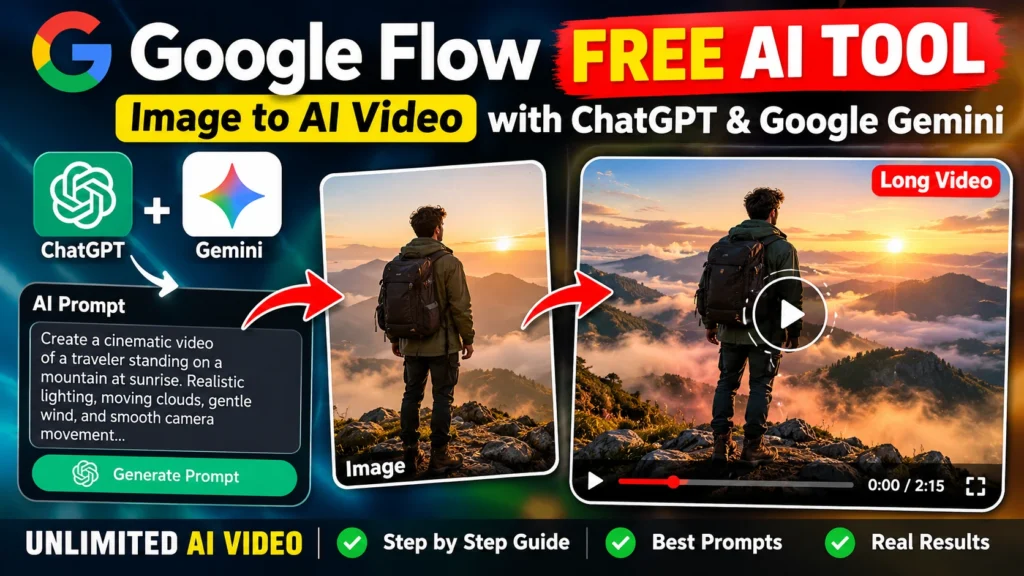
Google Flow is changing how creators approach AI filmmaking. You can use text prompts to develop cinematic scenes, generate video clips, and build an AI-powered movie without traditional cameras or expensive production equipment.
This tutorial will cover how to use Google Flow, how to write effective movie-generation prompts, and how to create a complete AI movie step by step.
What Is Google Flow AI?
Google Flow is an AI filmmaking platform developed by Google. It uses Google’s generative AI models to help creators turn written ideas and visual references into cinematic video clips.
You can use it to:
- Generate videos from text prompts.
- Create animated videos from images.
- Maintain character and object consistency using visual references.
- Generate scenes with different camera movements.
- Create transitions using starting and ending frames.
- Extend and edit supported video clips.
- Generate videos with audio using supported models.
Google’s latest documentation describes support for models including Veo 3.1 Lite and Gemini Omni Flash 1.2. Available features depend on the selected model and subscription.
Can Google Flow Really Make a Movie With One Prompt?
Yes, you can start an AI movie project with one detailed prompt. However, there is an important difference between generating a video clip and producing a complete movie.
A single generation creates a short video. To produce a longer movie, you need multiple scenes, consistent characters, and editing. Google Flow’s Agent can help organize video creation and generate multiple variations, reducing manual work. For example, you can give it a story about a young explorer discovering an abandoned city. Your prompt can describe:
- The main character.
- The story and sequence of events.
- The environment and locations.
- Camera angles and movements.
- Lighting and cinematic style.
- Dialogue, sound effects, and background music.
The more specific your instructions, the more control you have over the result.
How to Make an AI Movie Using Google Flow
Follow these steps to create your first AI movie.
Step 1: Open Google Flow
Visit the official website:Google Flow AI
Sign in using your Google account. Check whether Flow is available for your account and region.
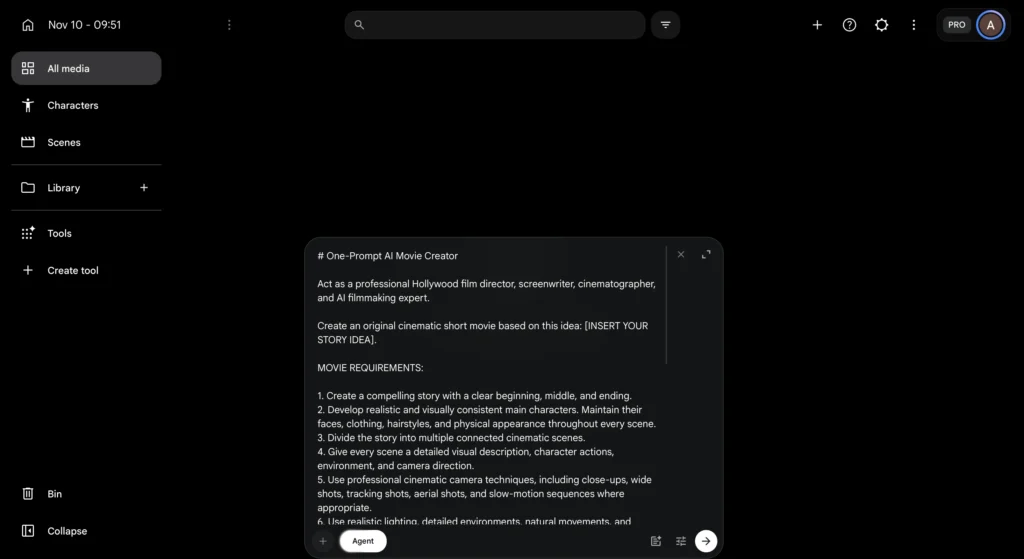
Step 2: Create a New Project
- Open Google Flow.
- Start a new project.
- Give your project a suitable name.
- Open the prompt box.
Step 3: Enable Flow Agent
If Agent is available in your interface:
- Turn on Agent in the prompt box.
- Describe the movie you want to create.
- Include the story, characters, scenes, and visual style.
- Let Agent help plan and generate your video variations.
Step 4: Choose Your Video Model
Select the model based on your requirements.
- Gemini Omni Flash 1.2 supports longer video generations and video editing.
- Veo 3.1 Lite offers a lower-cost option for standard video generation.
Check the available duration, resolution, and credit cost before generating. Google Flow Help+1
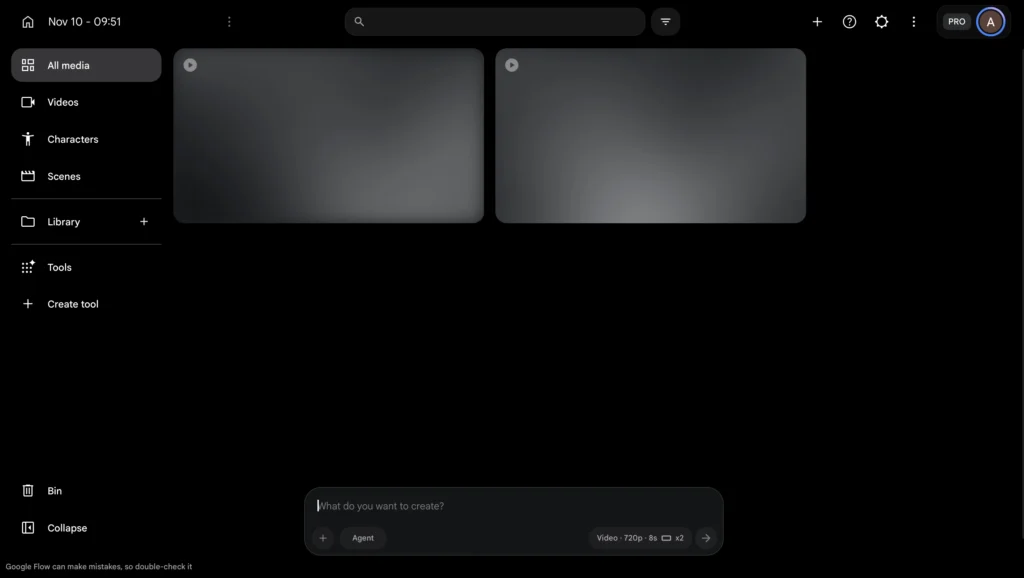
Step 5: Generate Your Movie Scenes
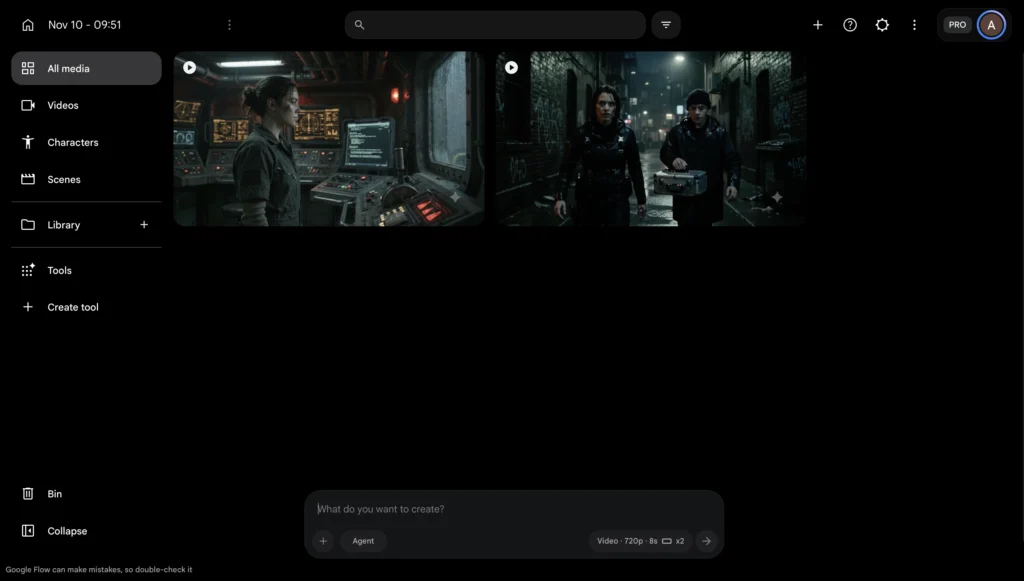
Submit your prompt and review the generated results. Regenerate scenes that need improvement.
Step 6: Edit and Export
Arrange your generated clips into the correct order. Improve transitions, sound, and pacing. Export your finished video using the available project options.
The Ultimate One-Prompt AI Movie Generation Prompt
Here is a detailed prompt you can copy and customize to create an original cinematic AI movie.
One-Prompt AI Movie Creator
Act as a professional Hollywood film director, screenwriter, cinematographer, and AI filmmaking expert. Create an original cinematic short movie based on this idea: [INSERT YOUR STORY IDEA].
MOVIE REQUIREMENTS:
- Create a compelling story with a clear beginning, middle, and ending.
- Develop realistic and visually consistent main characters. Maintain their faces, clothing, hairstyles, and physical appearance throughout every scene.
- Divide the story into multiple connected cinematic scenes.
- Give every scene a detailed visual description, character actions, environment, and camera direction.
- Use professional cinematic camera techniques, including close-ups, wide shots, tracking shots, aerial shots, and slow-motion sequences where appropriate.
- Use realistic lighting, detailed environments, natural movements, and cinematic color grading.
- Include natural character dialogue, realistic sound effects, environmental audio, and suitable background music where supported.
- Maintain continuity between scenes. Every scene must connect naturally to the previous one.
- Use professional movie-quality visuals with realistic textures and cinematic depth.
- Avoid distorted faces, inconsistent characters, unnatural movements, and random scene changes.
MOVIE STYLE:
Ultra-realistic cinematic filmmaking, professional Hollywood-style cinematography, dramatic storytelling, immersive sound design, realistic environments, and detailed visual effects.
VIDEO FORMAT:
16:9 widescreen, cinematic composition, 24 FPS aesthetic.
IMPORTANT INSTRUCTIONS:
First develop the complete movie storyline and scene-by-scene production plan. Then create the required video clips using the available Flow Agent and video-generation features. Keep the same characters and visual style throughout the movie.
The final result should feel like a professionally directed short film rather than a collection of unrelated AI-generated clips.
Replace [INSERT YOUR STORY IDEA] with your own movie concept before using the prompt.
Tips for Getting Better AI Movie Results
- Use detailed character descriptions.
- Keep the same character references across scenes.
- Describe camera movements clearly.
- Avoid changing clothing and facial features between scenes.
- Generate short scenes and review them before continuing.
- Use consistent lighting and cinematic styles.
- Add dialogue and sound effects where supported.
Is Google Flow Free?
Google provides limited free access to Flow in supported circumstances. Its November 2026 documentation describes a free allowance of 50 daily credits for eligible users without a subscription. Paid plans provide additional credits and features. Availability and limits can change.
Frequently Asked Questions
1. Can I create a full movie with one prompt?
You can start a complete movie project with one detailed prompt. However, longer movies generally require multiple generated clips and editing.
2. Does Google Flow generate realistic videos?
Yes. Its Veo models support cinematic video generation with realistic visuals and motion.
3. Can I create AI movies without editing skills?
Yes. Flow simplifies video generation, although arranging clips and refining the final movie can improve the result.
4. Can I use Google Flow for YouTube videos?
Yes. You can create original video content for YouTube, subject to Google’s terms and applicable content policies.
5. Can Google Flow maintain the same character throughout a movie?
You can use character references and ingredients to improve visual consistency across scenes.