
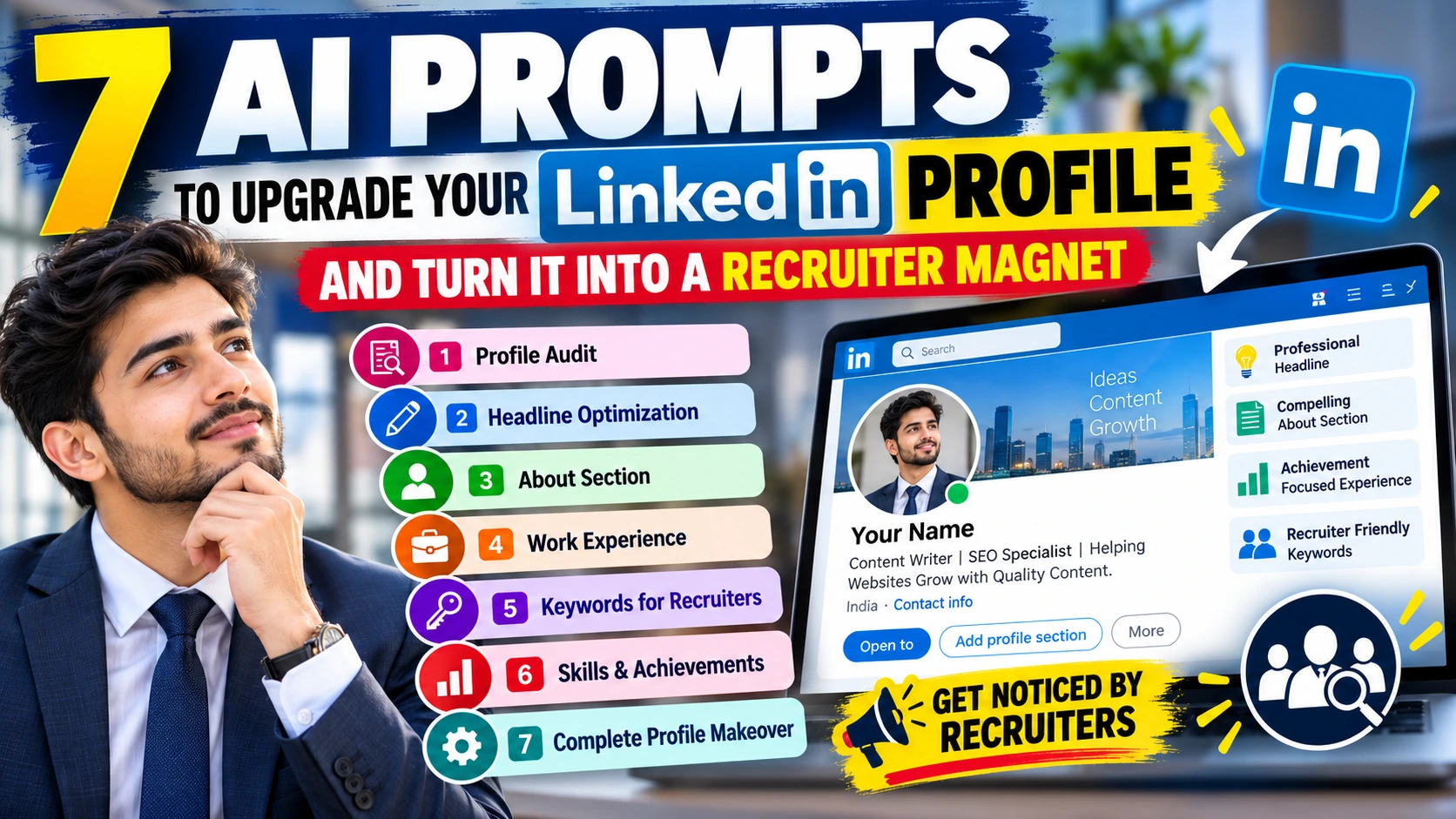
Your LinkedIn profile is more than an online resume. It is often the first place recruiters look when they want to understand your skills, experience, career direction, and professional value. A weak headline, generic About section, poorly written experience descriptions, or missing keywords can make a good profile difficult to discover. The good news is that AI can help you improve your LinkedIn profile in minutes.
You can use the prompts below with an AI writing tool to rewrite your headline, About section, work experience, skills, achievements, and overall profile strategy. These prompts are designed to produce professional, natural-sounding content without making your profile look like it was written by a robot.
LinkedIn Profile Audit Prompt
Before rewriting your profile, ask AI to identify the biggest problems.
Copy Prompt:
Act as an experienced LinkedIn profile strategist and recruiter.

I will provide my current LinkedIn profile information below.

Analyze my profile from a recruiter's perspective. Identify weaknesses in my headline, About section, work experience, skills, achievements, keywords, profile positioning, and overall presentation.

Tell me:
1. What makes my profile look weak or generic?
2. What information is missing?
3. Which sections should I improve first?
4. Which skills and keywords should I highlight?
5. What could prevent recruiters from contacting me?
6. What changes would make my profile more credible and professional?

Do not invent any experience, qualifications, achievements, employers, job titles, or skills.

Give me specific recommendations that I can implement immediately.

Here is my profile information:

[PASTE YOUR LINKEDIN PROFILE CONTENT HERE]
Why use it:
This prompt helps you find problems before you start rewriting your profile.
LinkedIn Headline Optimization Prompt
Your headline appears prominently on LinkedIn and should quickly explain who you are and what you offer.
Copy Prompt:
Act as a professional LinkedIn personal branding expert and recruiter.

Rewrite my LinkedIn headline so it clearly communicates my professional identity, strongest skills, industry, and the type of opportunities I am targeting.

Create 10 different headline options.

Keep each headline professional, specific, natural, and keyword-rich.

Avoid generic phrases such as "hardworking professional," "passionate individual," "team player," and "seeking new opportunities."

Use relevant keywords that recruiters may search for based on my actual experience and target role.

Do not invent skills, qualifications, experience, or achievements.

My current information is:

Current Job Title: [INSERT]
Industry: [INSERT]
Years of Experience: [INSERT]
Top Skills: [INSERT]
Target Job: [INSERT]
Location: [INSERT]

Make the first 3 options the strongest choices.
Example structure:
Digital Marketing Specialist | SEO | Content Strategy | Google Analytics | Helping Brands Grow Organic Traffic
The important part is to replace the example with your actual skills.
LinkedIn About Section Prompt
A strong About section should explain what you do, what you are good at, what you have achieved, and what you want to do next.
Copy Prompt:
Act as an expert LinkedIn personal branding writer.

Write a compelling LinkedIn About section based only on the information I provide.

The About section should:

Start with a strong opening that clearly explains who I am professionally.

Explain my key skills and areas of expertise.

Highlight measurable achievements where available.

Explain the type of problems I can solve.

Show my professional strengths without using exaggerated claims.

Mention relevant tools, technologies, industries, or areas of expertise.

Clearly communicate the type of opportunities I am interested in.

Use a natural first-person voice.

Keep the writing professional, confident, and human.

Avoid clichés, excessive buzzwords, fake achievements, and generic AI language.

Do not invent information.

Use short paragraphs for easy reading.

End with a simple professional call to action.

Here is my information:

Name: [INSERT]
Current Role: [INSERT]
Experience: [INSERT]
Education: [INSERT]
Skills: [INSERT]
Achievements: [INSERT]
Projects: [INSERT]
Industries: [INSERT]
Career Goal: [INSERT]
Work Experience Optimization Prompt
Many LinkedIn profiles simply copy job descriptions into the Experience section.
Instead, focus on responsibilities, actions, results, and measurable achievements.
Copy Prompt:
Act as a senior recruiter and professional resume writer.

Rewrite my LinkedIn work experience so it focuses on impact, achievements, responsibilities, and measurable results.

For each position:

Start with a concise description of the role.

Convert generic responsibilities into strong achievement-focused bullet points.

Use action verbs.

Highlight measurable results whenever the information is available.

Show the tools, skills, processes, and technologies I actually used.

Explain how my work contributed to business, team, customer, operational, or project outcomes.

Make the content easy for recruiters to scan.

Naturally include relevant industry keywords without keyword stuffing.

Do not invent numbers, achievements, responsibilities, technologies, or results.

If a useful metric is missing, write [ADD METRIC HERE] instead of making one up.

Here is my work experience:

[PASTE YOUR EXPERIENCE HERE]
This is especially useful if your current Experience section looks like a list of basic duties.
Recruiter Keyword Optimization Prompt
Recruiters often search for candidates using specific job titles, skills, tools, certifications, and industry terms.
Copy Prompt:
Act as a technical recruiter specializing in LinkedIn candidate searches.

Analyze my professional background and identify the most relevant keywords that recruiters may use when searching for someone with my profile.

Separate the keywords into:

1. Job titles
2. Technical skills
3. Soft skills
4. Software and tools
5. Industry terms
6. Certifications
7. Functional areas
8. Relevant alternative job titles

Then tell me where each keyword should naturally appear in my LinkedIn profile.

Suggest keywords for my:
Headline
About section
Experience section
Skills section

Prioritize keywords based on relevance to my target role.

Do not recommend skills or technologies that I do not actually have.

My target role is:

[INSERT TARGET JOB]

My current experience and skills are:

[PASTE YOUR INFORMATION]
This helps you create a profile that is easier for recruiters to understand and potentially discover through relevant searches.
Skills and Achievements Prompt
Your profile becomes stronger when your skills are supported by evidence.
Copy Prompt:
Act as a recruiter evaluating candidates for my target position.

Review the information below and identify the strongest skills and achievements that should appear on my LinkedIn profile.

Create:

1. My 10 most relevant professional skills
2. My 5 strongest technical or functional skills
3. My 5 strongest achievements
4. The achievements that should be highlighted in my About section
5. The achievements that should be highlighted in my Experience section
6. Skills that appear weak or unsupported
7. Missing information that would make my profile stronger

Rank everything by importance for my target role.

Use only information I provide.

Do not invent achievements, numbers, certifications, employers, technologies, or qualifications.

Where a result could be strengthened with a number, write [ADD RESULT OR METRIC].

Target role:

[INSERT TARGET ROLE]

My professional information:

[PASTE YOUR INFORMATION]
Complete LinkedIn Profile Transformation Prompt
This is the most comprehensive prompt in this guide.
Use it after collecting your information and running the previous prompts.
Copy Prompt:
Act as a senior recruiter, LinkedIn personal branding strategist, and career coach.

Transform my existing LinkedIn profile into a professional, credible, keyword-optimized profile designed to attract relevant recruiters and hiring managers.

Analyze my information first, then rewrite the following sections:

1. LinkedIn Headline
2. About section
3. Current position
4. Previous positions
5. Top skills
6. Key achievements
7. Career positioning statement
8. Suggested keywords
9. Suggested LinkedIn profile improvements

Position me clearly for my target career direction.

Make the profile sound confident, professional, specific, and human.

Focus on measurable achievements, practical skills, professional expertise, and evidence of impact.

Use relevant keywords naturally.

Avoid keyword stuffing.

Avoid generic phrases such as:
"hardworking"
"passionate"
"results-driven professional"
"team player"
"dynamic individual"
"seeking challenging opportunities"

Do not invent any information.

If important information is missing, clearly mark it as [ADD INFORMATION].

After rewriting the profile, provide a short explanation of why each major change improves my positioning.

My information:

Name: [INSERT]

Current Job Title: [INSERT]

Target Job Title: [INSERT]

Industry: [INSERT]

Years of Experience: [INSERT]

Education: [INSERT]

Certifications: [INSERT]

Technical Skills: [INSERT]

Professional Skills: [INSERT]

Work Experience: [INSERT]

Major Achievements: [INSERT]

Projects: [INSERT]

Tools and Technologies: [INSERT]

Location: [INSERT]

Career Goals: [INSERT]
Bonus Prompt: Make Your LinkedIn Profile Sound Human
AI-generated profiles can sometimes sound too polished or generic. Use this prompt after rewriting your profile.
Copy Prompt:
Review the LinkedIn profile you created and make it sound more natural and human.

Remove unnecessary buzzwords, repetitive phrases, exaggerated claims, generic AI language, and overly formal sentences.

Keep the important keywords, skills, achievements, and professional information.

Make the writing sound like an experienced professional describing their own career.

Use clear, concise language.

Do not add fake achievements or information.

Keep the profile confident but believable.

Return the complete revised LinkedIn profile.
How to Use These 7 Prompts
Do not paste all seven prompts into AI at once.
Use them as a process.
- Step 1: Audit your current profile.
- Use Prompt 1.
- Step 2: Improve your headline.
- Use Prompt 2.
- Step 3: Rewrite your About section.
- Use Prompt 3.
- Step 4: Improve your Experience section.
- Use Prompt 4.
- Step 5: Identify important recruiter keywords.
- Use Prompt 5.
- Step 6: Strengthen your skills and achievements.
- Use Prompt 6.
- Step 7: Combine everything.
- Use Prompt 7.
- Finally, use the bonus prompt to make the profile sound natural.
- What Makes a LinkedIn Profile Attractive to Recruiters?
A recruiter-friendly profile should quickly answer four questions:
- Who are you?
- What can you do?
- What results have you achieved?
- What type of role are you suitable for?
Your profile should make these answers easy to find.
Avoid filling your profile with unnecessary buzzwords. Specific information is more useful.
For example:
Weak:
“Hardworking professional with excellent communication skills.”
Stronger:
“Content writer specializing in SEO articles, recruitment content, and education-focused publishing, with experience creating search-friendly content for job and exam websites.”
The second statement gives recruiters more useful information.
Important Tip: Never Let AI Invent Your Career
AI can improve your writing, but it should not create fictional experience. Never allow AI to invent:
- Job experience
- Degrees
- Certifications
- Companies
- Projects
- Technical skills
- Achievements
- Salary figures
- Performance statistics
- Awards
- Use real information and let AI improve the way you present it.
- Final Thoughts
Your LinkedIn profile should clearly communicate your professional value within a few seconds.
The seven prompts in this guide can help you audit your profile, create a stronger headline, rewrite your About section, improve your work experience, identify relevant keywords, highlight achievements, and build a complete professional profile. The goal is not to fill your profile with buzzwords. The goal is to make your real skills and experience easier for recruiters to understand.
Start with the LinkedIn Profile Audit Prompt, collect the recommendations, and then work through the remaining prompts one by one. Save these prompts so you can use them whenever you change jobs, learn new skills, complete a certification, or update your career goals. PromptViz.online will continue to provide practical AI prompts that help you get more value from AI tools.